Playing with friends
Join a four-slot lobby queue, compare class roles, coordinate spending and understand death and spectating.
Contents
Join a co-op run
Meet in the same Roblox experience and head to a Play platform. The recorded lobby shows 0/4 and 1/4 queue indicators followed by SETTING UP. Use Roblox’s join options to meet your friends in the same server.
Prepare before the run
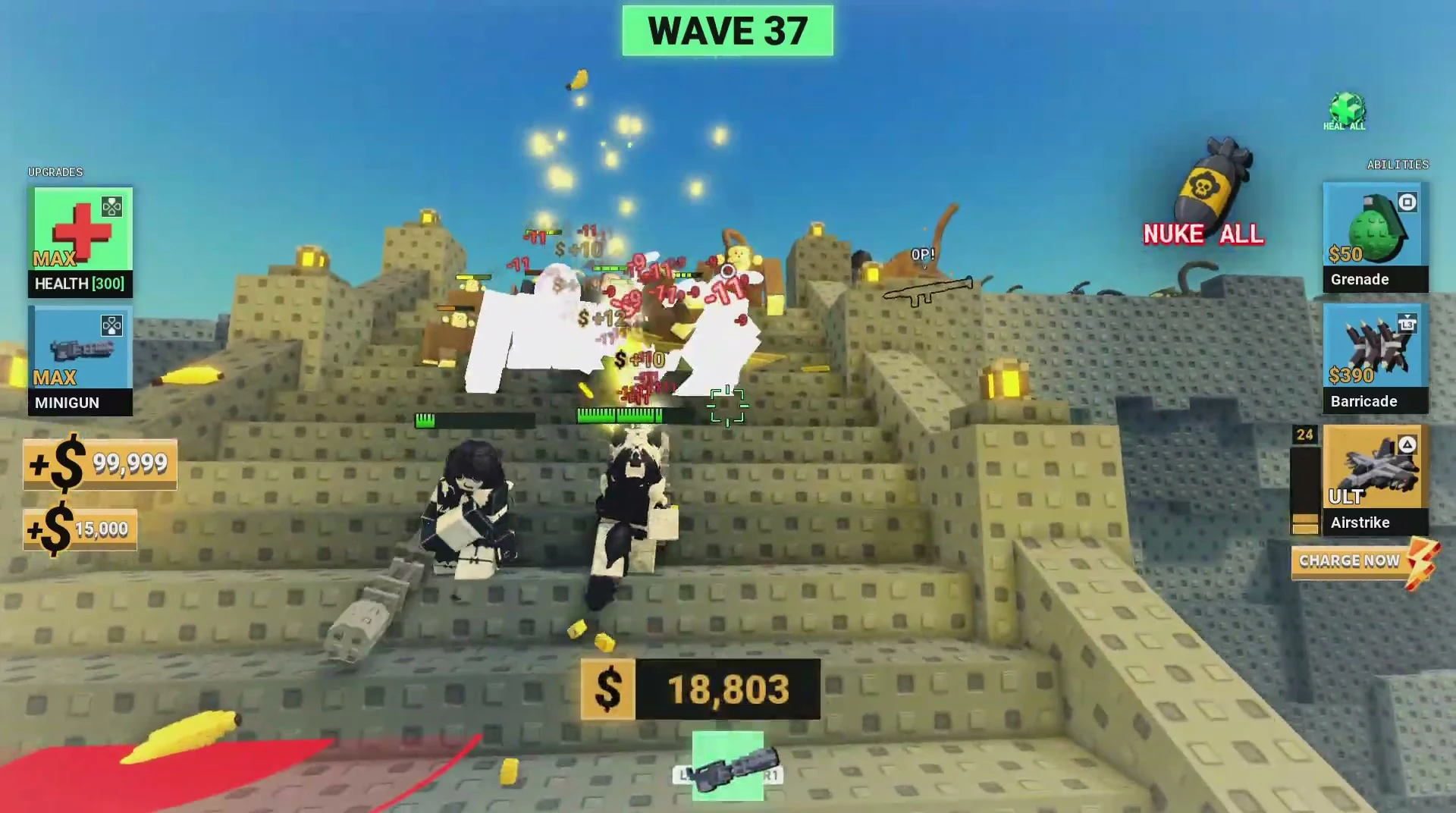
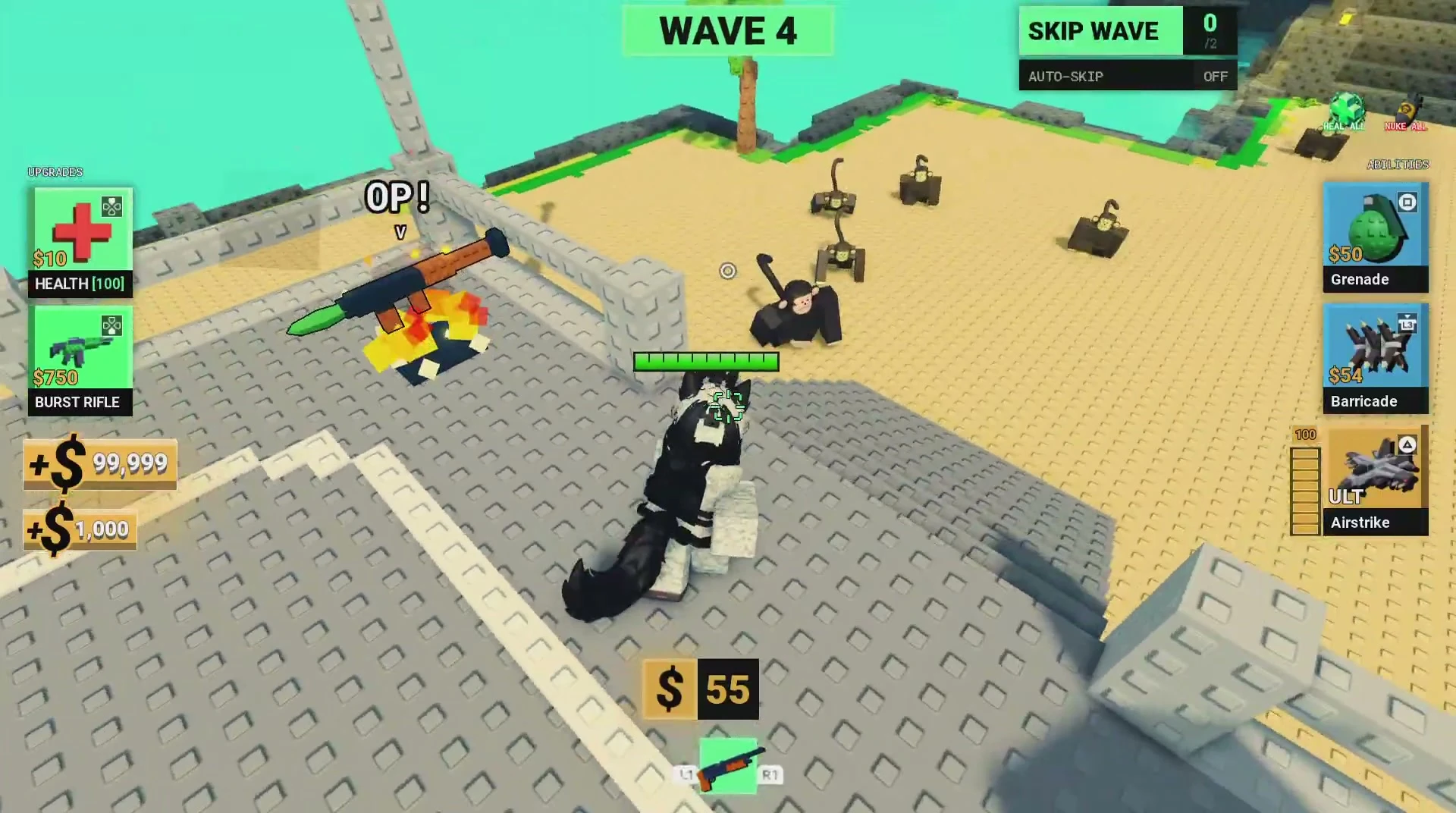
Compare your loadouts before joining. Survivor brings Grenade, Barricade and Airstrike; Medic offers healing; Engineer has Repair, Turret and Overclock. These are the inspected roles, not a tested team tier list.
Communicate clearly
Agree on short calls for incoming groups, regrouping and ability use. Our teamwork advice is to coordinate movement instead of having each player retreat in a different direction. Keep track of cash: barricade prices change during a run.
Death, spectating and Revive
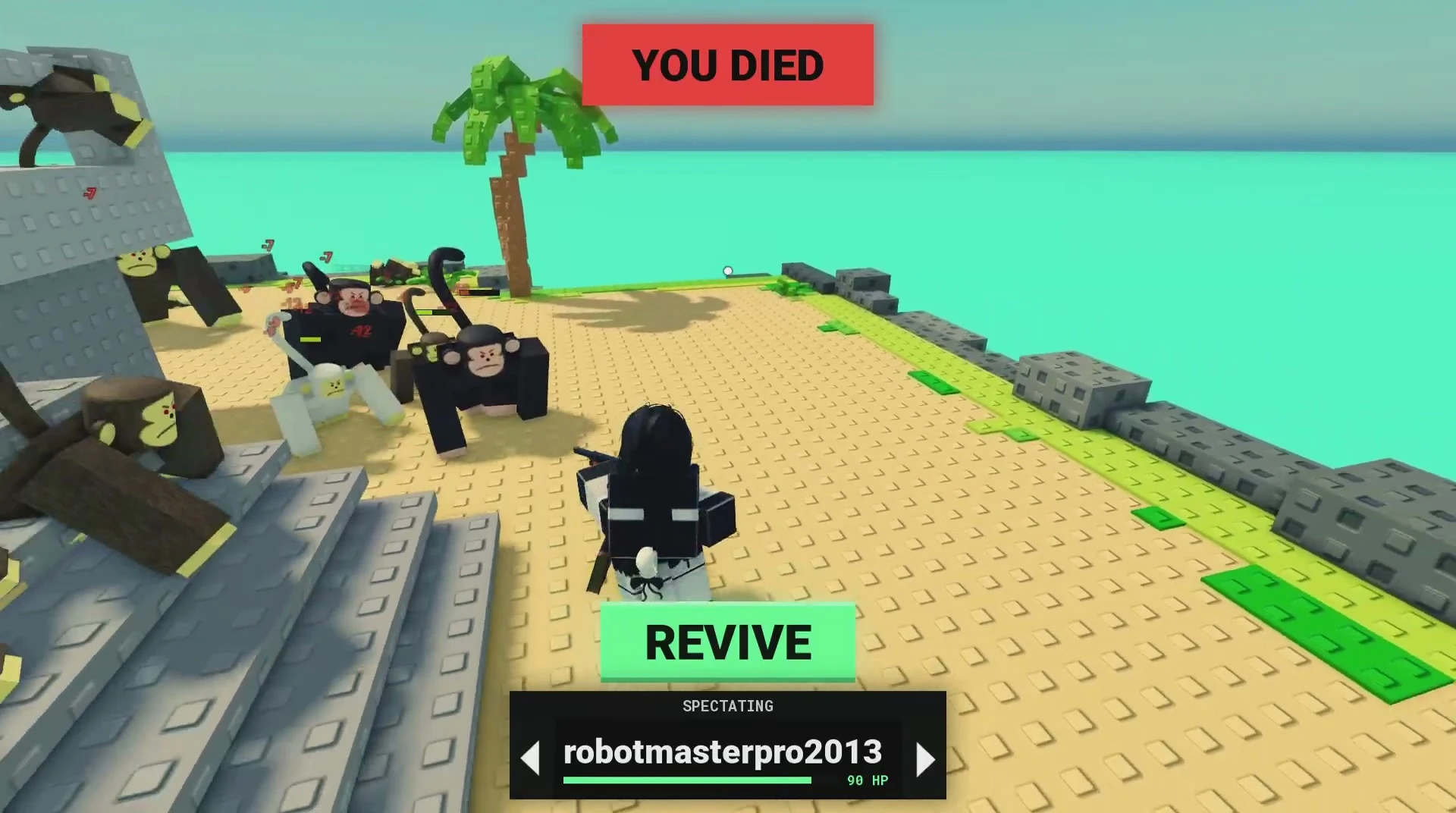
When the recorded player dies, YOU DIED appears with a REVIVE button and a player-name selector with arrows. The view follows teammates. The recording does not establish a universal free-revive rule. See death, Revive and spectating explained for the screen controls and common questions.
Player questions
Can I play with friends?
Yes. The game promotes co-op play, and the recorded lobby has four-slot queue platforms. Arrange a shared server, then join a platform together.
What is the best team composition?
For planning, compare Survivor’s combat tools with Medic’s healing and Engineer’s defense tools. The available recording is not a controlled comparison of team compositions, so choose according to the tools your group wants to use.
Sources & verification
Game footage reviewed October 5, 2026; source-linked interface observations.