
What happens when you die? Revive & spectating
See the recorded death screen, teammate spectating controls and Revive button, and tips for your next run.
Contents
When you die in co-op, the YOU DIED screen provides a REVIVE button and teammate spectating controls. Watch the surviving players and use the arrows to switch your view while the run continues.
What the death screen looks like
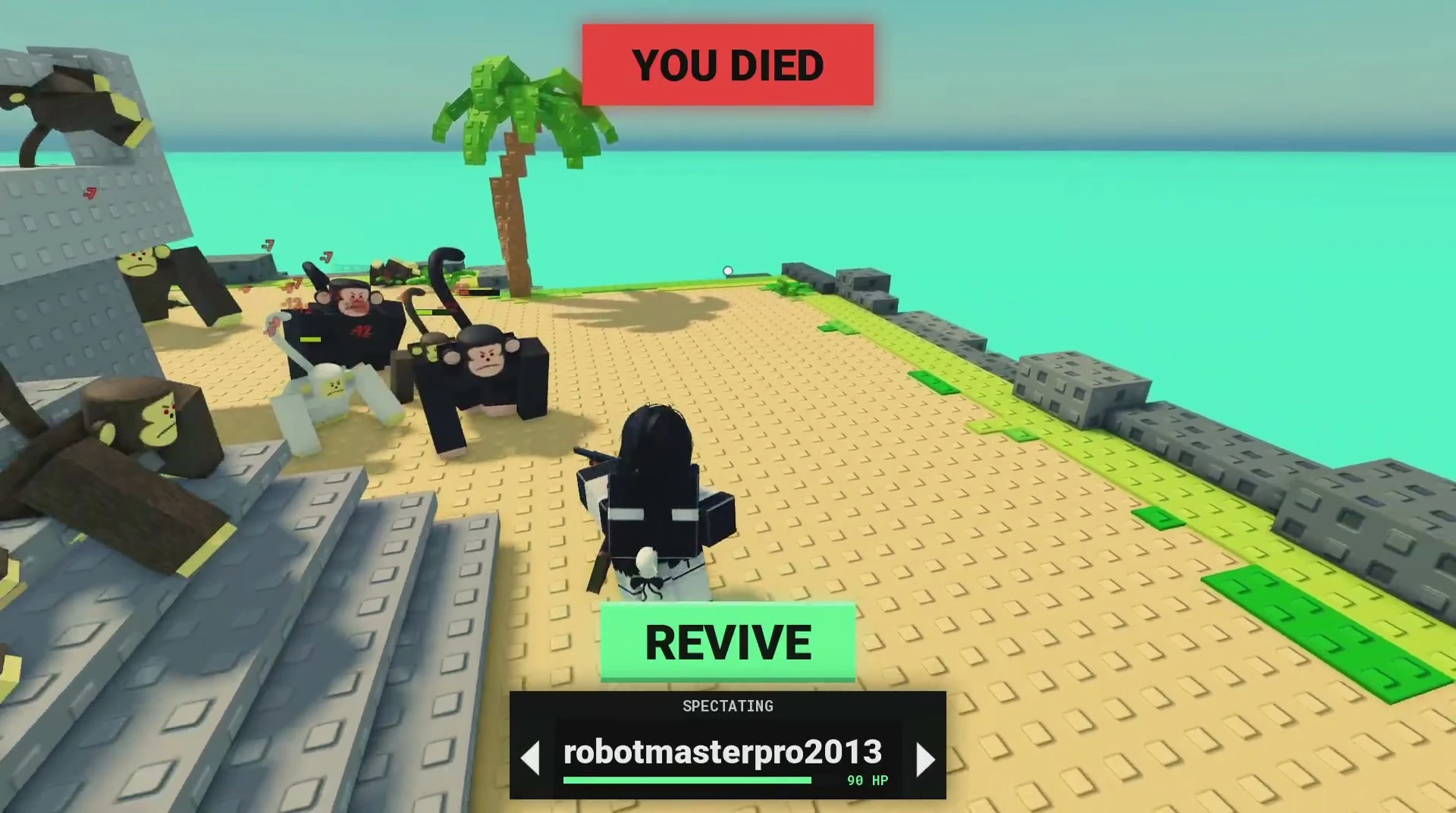
| On-screen element | What it does |
|---|---|
| YOU DIED | Marks your death |
| Player name and arrows | Switches the teammate you spectate |
| REVIVE | Opens the revival option |
Can you watch teammates after dying?
Yes. Use the left and right arrows beside the player name to switch views. Keep communicating with your team: call out approaching monkeys, red ground warnings and safe regrouping areas visible from the teammate camera.
See the co-op preparation guide for planning your next run together.
Using the Revive button
Select REVIVE on the death screen and follow the in-game prompt. Review any displayed cost before confirming.
Preparing for your next attempt
Prioritize health when you are repeatedly dying before you can use your weapons or abilities. The run’s health purchase starts at HEALTH [100] / $10, progresses to HEALTH [110] / $20, and reaches HEALTH [300] / MAX. See cash and health upgrades.
- Regroup with your team instead of letting the horde surround you alone.
- Use Survivor’s Barricade to support your defensive position.
- Add a Medic when the team needs more healing.
- Move away from the red ground warnings shown in the horde guide.
Player questions
Does my death end the team's run?
Your teammates can continue fighting while you spectate them.
How do I switch the player I am watching?
Use the arrows beside the player name on the death screen.
References
Related entries
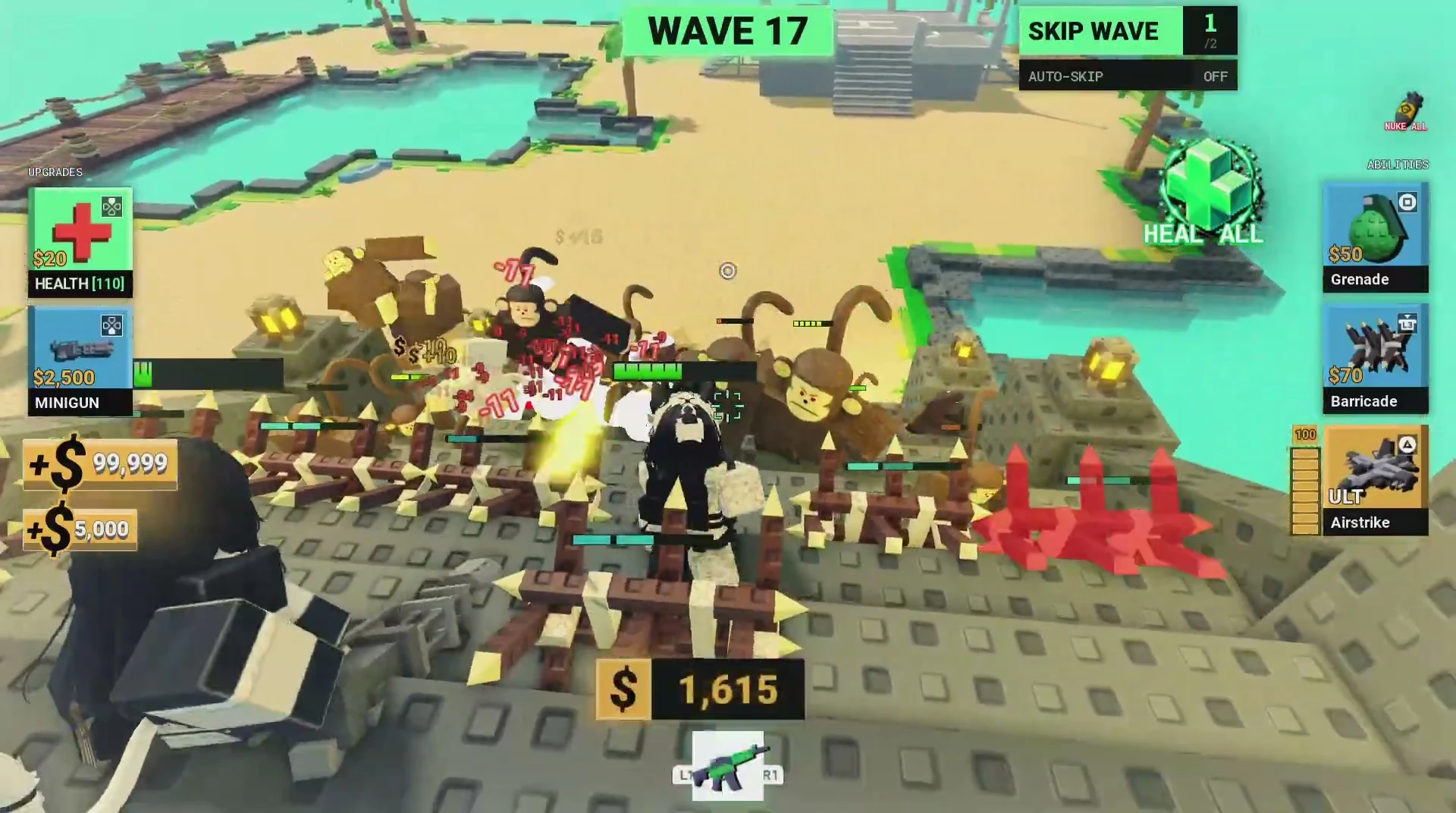
The monkey horde
See the monkey horde, large enemies, red ground warnings and late-wave combat from a recorded Wave 37 run.
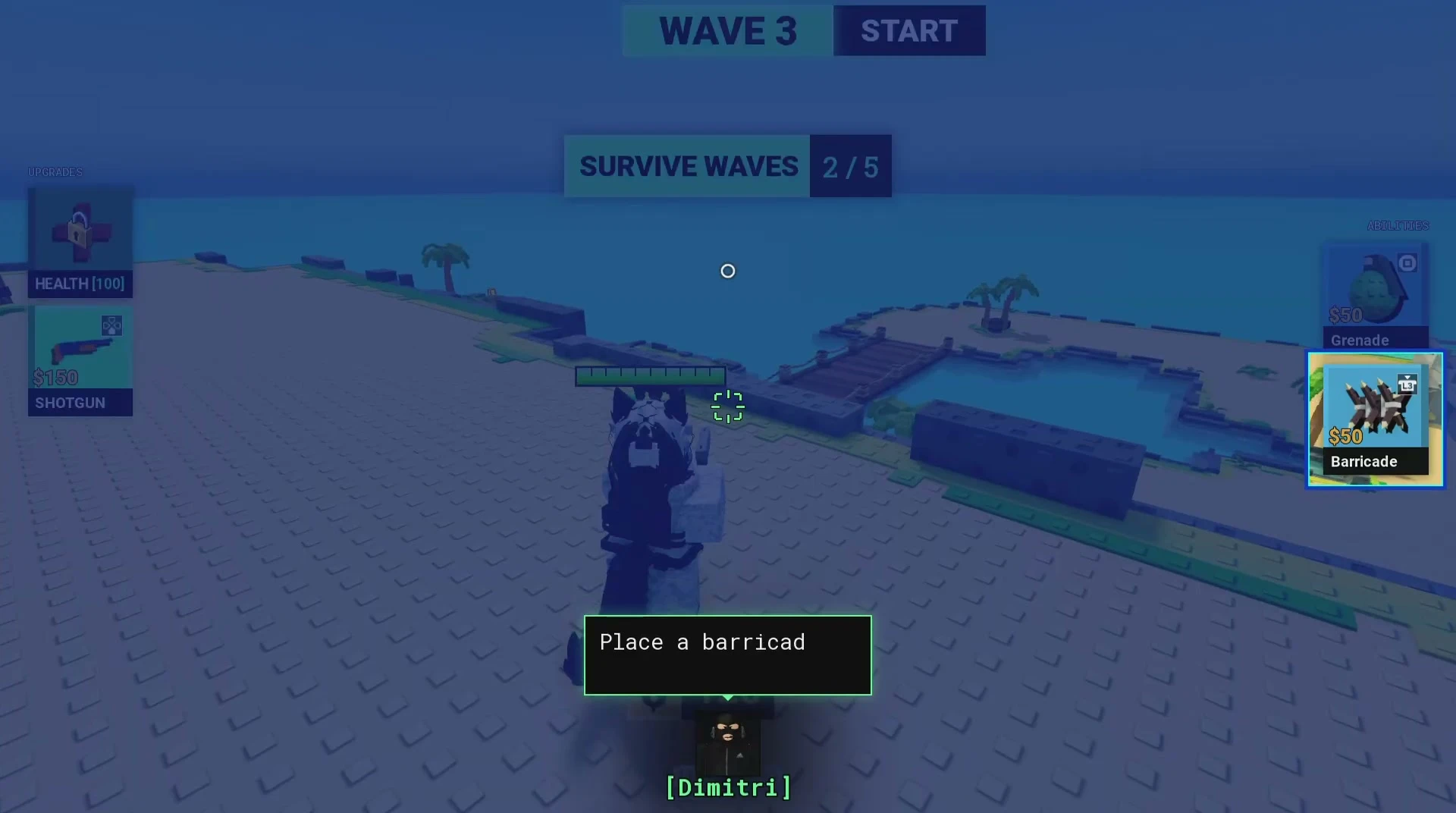
Cash vs Gems: run purchases & health upgrades
Plan cash spending on run weapons, health and abilities, and understand how these purchases differ from lobby Gem upgrades.
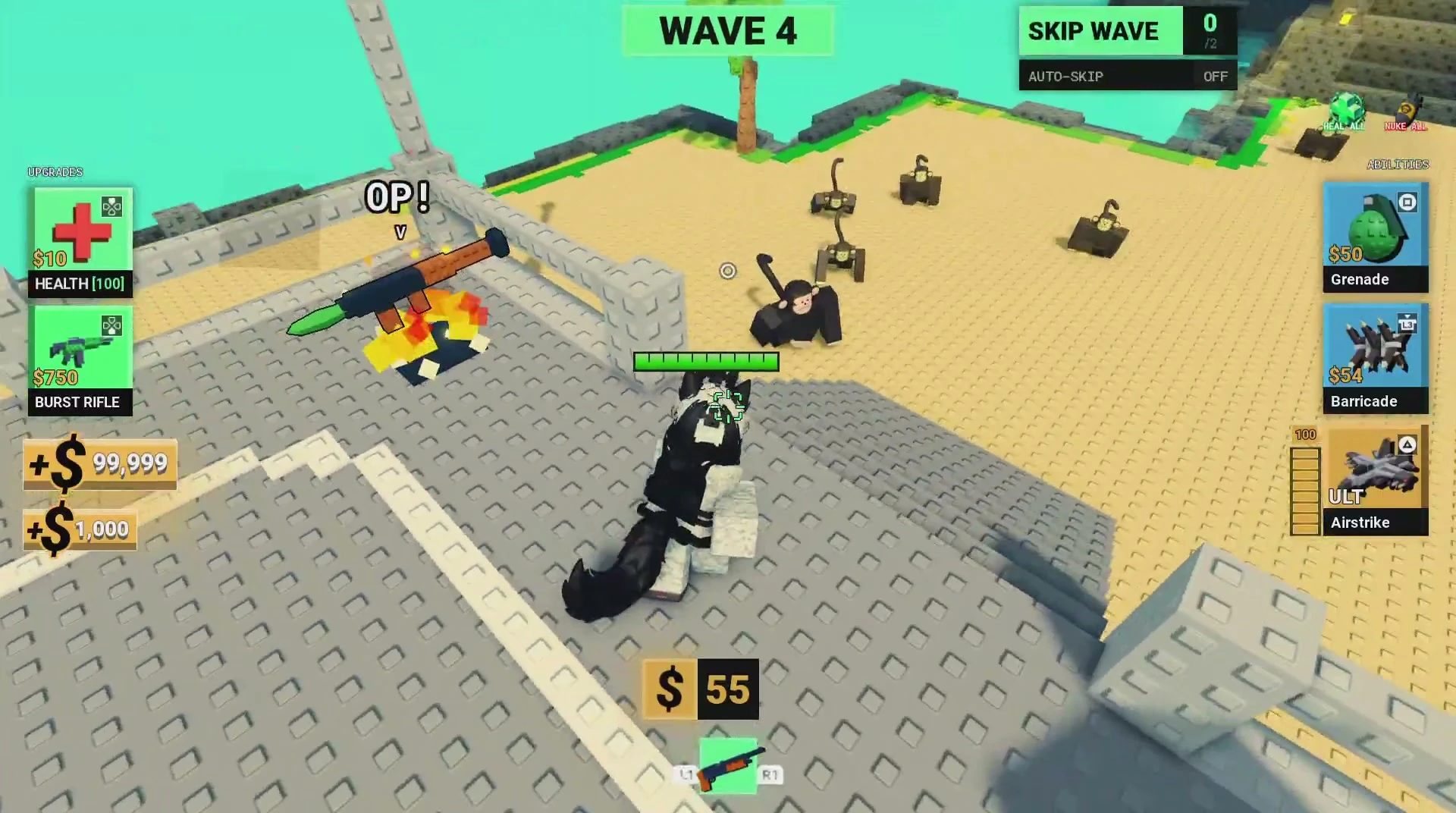
Playing with friends
Join a four-slot lobby queue, compare class roles, coordinate spending and understand death and spectating.